Azure Site Recovery (ASR) helps protect virtual machines by replicating workloads across regions. However, not every Linux distribution and kernel version is automatically compatible. Many system administrators have recently faced replication failures when attempting to enable ASR on Debian 12 VMs running kernel 6.1.0-40-cloud-amd64.
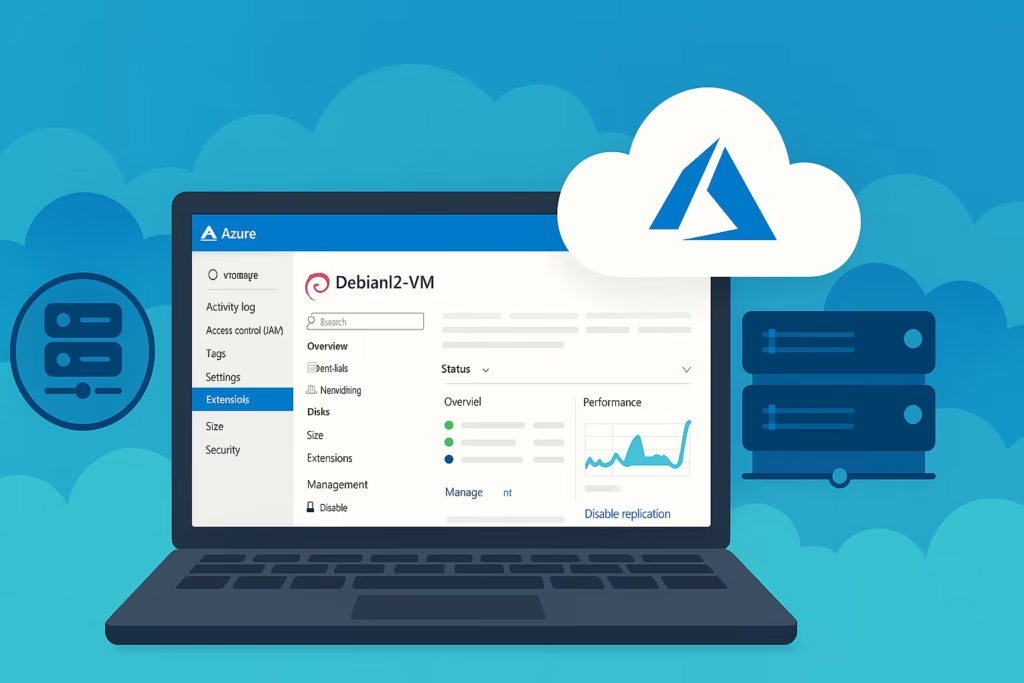
When you attempt to enable replication for Debian 12 VMs in Azure Site Recovery, the process may fail at:
- Installing Mobility Service
- Preparing the target environment
This occurs because the Debian 12 kernel 6.1.0-40-cloud-amd64 is not listed in the ASR support matrix, meaning it’s currently not validated or officially supported by Microsoft.
The latest ASR support matrix (as of October 2025) includes Debian 10 and 11, with partial or preview-level support for Debian 12. You can check the latest list here: Azure to Azure Support Matrix – Official Microsoft Docs
What Causes the Compatibility Failure
ASR depends on the Mobility Service agent, which needs a compatible kernel module to communicate between the VM and the recovery vault.
If your kernel version is newer than the one recognized by the current Mobility Service release, the agent installation halts, or replication setup fails during the “prepare target” phase.
Microsoft validates specific kernel versions during ASR certification. Since Debian 12’s 6.1.0-40-cloud-amd64 is newer, it hasn’t yet been officially certified.
Current Support Status
- Official Debian 12 support: Rolling out gradually (preview stage as of 2025)
- Kernel 6.1.x branch: Partially tested; specific builds like 6.1.0-40-cloud-amd64 not yet in matrix
- Microsoft stance: Newer Linux kernels are usually supported via Mobility Agent hotfix updates within 15 days of release.
If you rely on automation or have a large fleet of Debian VMs, keep your Mobility Service auto-update option enabled in the Recovery Services vault so your agents stay current.
Recommended Workarounds for Debian 12 ASR Issues
If you must protect your Debian 12 VMs immediately, here are your options:
| Method | Description | Pros | Risks |
|---|---|---|---|
| 1. Use a Supported Kernel | Downgrade to an officially listed kernel version for Debian 11 or 12. | Immediate compatibility | Requires reboot and may break app dependencies. |
| 2. Manual Mobility Agent Install | Download the Linux Mobility Agent package from your vault → install it manually inside the VM. | Can bypass portal installation failures | Might still fail during replication if kernel unsupported. |
| 3. Enable Automatic Updates | In ASR Vault → Infrastructure → Mobility Service, allow automatic updates. | Auto-installs future patches from Microsoft | Does not fix existing unsupported kernel versions. |
| 4. Open Microsoft Support Ticket | Request confirmation or preview patch support for kernel 6.1.0-40-cloud-amd64. | May get early access or workaround | Response times vary; may need justification for production. |
| 5. Use Alternate OS for Critical Workloads | Temporarily replicate from a supported Debian 11 image or Ubuntu LTS VM. | Ensures protection continuity | Requires re-deployment or migration. |
Manual Installation Steps (Optional Workaround)
If push installation fails, you can manually install the Mobility Service agent:
- Log in to your Debian 12 VM via SSH.
- Download the latest Linux Mobility Agent package from your Recovery Services Vault:
https://<your-vault-region>.blob.core.windows.net/installer/MobilityServiceInstaller.tar.gz- Extract the archive and run the installer:
sudo tar -xvf MobilityServiceInstaller.tar.gz
cd MobilityServiceInstaller
sudo ./install -q- Verify the installation status:
sudo systemctl status InMageLinuxVx- Re-initiate replication from the Azure portal.
Note: Even with manual installation, replication may still fail if your kernel version isn’t supported internally by ASR. Use this method only for testing or lab environments.
Microsoft is actively expanding Linux kernel support for ASR. Given Debian 12’s popularity in cloud environments, full compatibility is expected soon in upcoming agent releases.
Read More:
- Azure Nonprofit Grant Sponsorship Confusion Explained
- Fix Azure Virtual Desktop Microphone Not Working Issue
- Fix: GPT-5 Quota Increase Request Issues in Azure AI Foundry
- How to Perform AKS Cluster Migration from East US to Germany West Central
- Fix “Billing ID Unknown” in Azure Subscription – Complete Azure Billing ID Unknown Fix Guide
- Fix Azure HSM Pool Billing: How to Stop Unexpected Charges and Request Refund